Media Sync Tool User Guide
Media Sync Tool is a revolutionary sync tool for Final Cut Pro.
By utilizing jam-synced SMPTE timecode and metadata from the source media, it automates the sync process to the point where almost no human input is needed, while automatically resolving overlapping timecode
And there's more — Media Sync Tool is the first ingest tool to handle clip logging from the script supervisor's continuity notes.
Just getting started? Start with the Welcome page, or jump straight to a topic below.
Start here
- Welcome to Media Sync Tool — what the app does and who it’s for.
- Clip Logging — automatically log and rename synced clips with continuity notes.
- About the user interface — the window, control bar, and status badges.
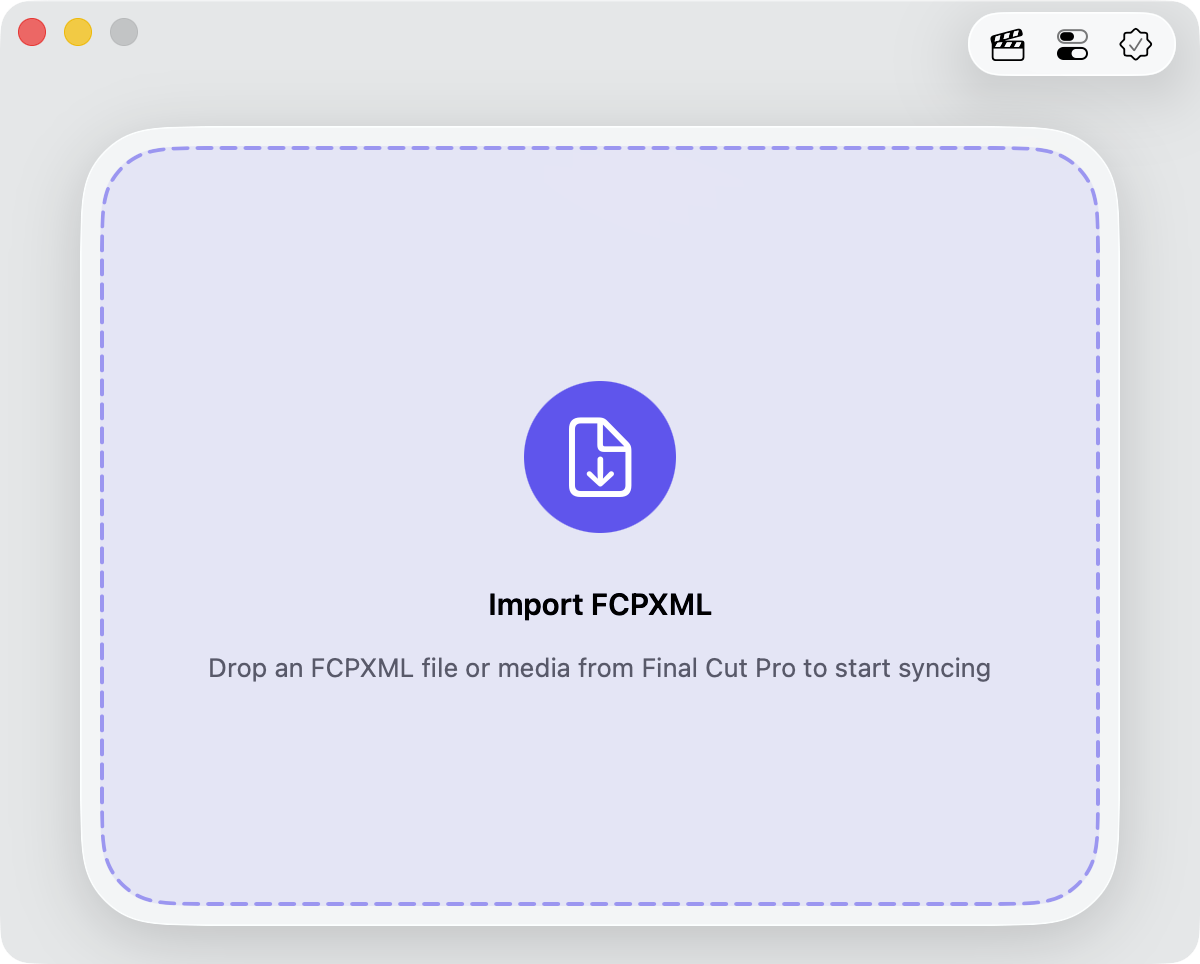
- Sync workflow — get your media in, sync it, and bring the result back into Final Cut Pro.
- Configure sync settings — multicam, metadata source, and logging options.
- Dealing with errors — what the warnings and errors mean, and how to recover.
- What’s new in 2.0 — the major changes since version 1.