Dealing with errors
When something goes wrong during a sync, Media Sync Tool stops, tells you what happened, and—wherever possible—offers a way to fix it and try again.
How errors are reported
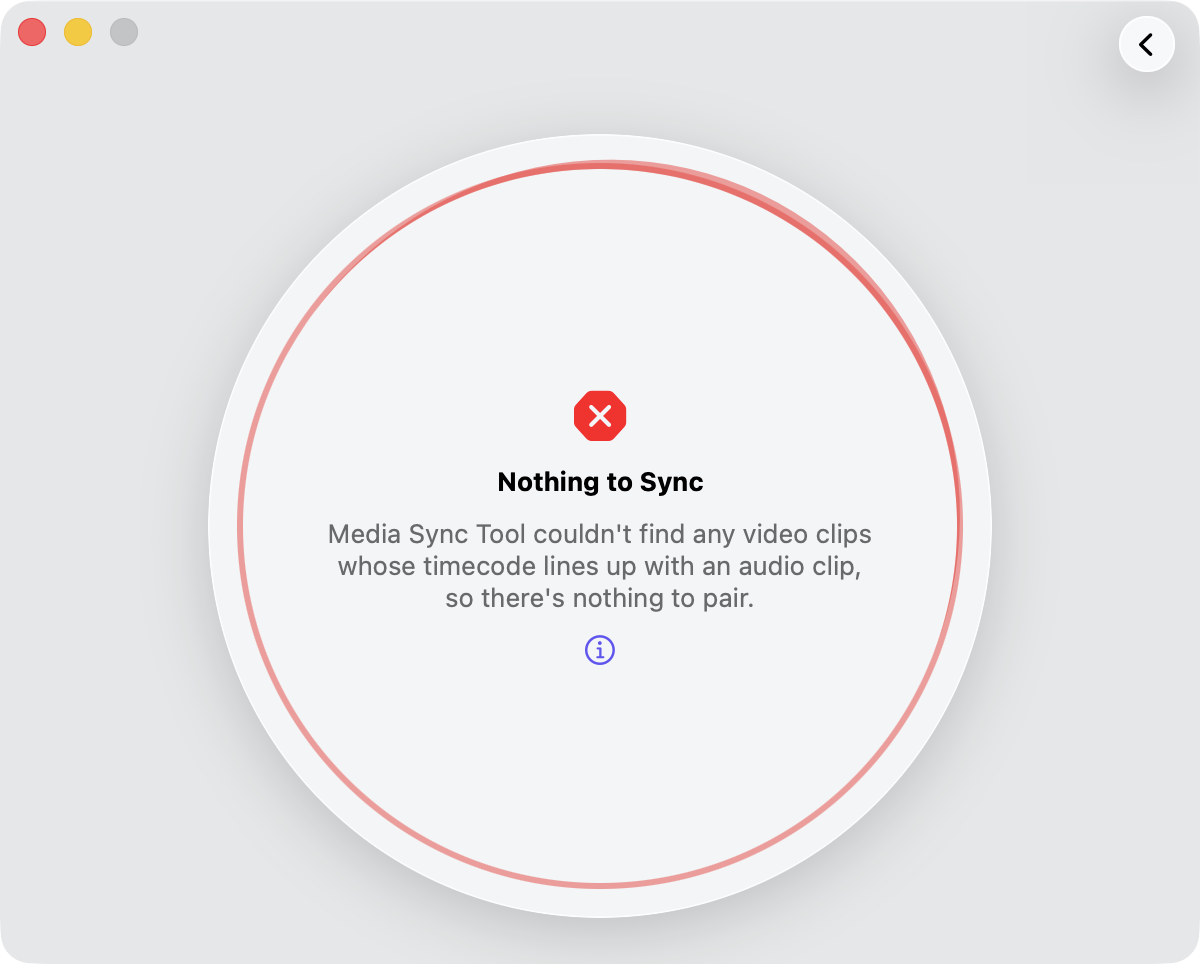
Errors can occur during the sync workflow. When one does, Media Sync Tool interrupts the sync and shows a message describing the problem. Most errors come with recovery options: you apply the suggested fix, then run the sync again.
The kinds of errors
Most problems fall into one of two categories, each with its own guidance:
- FCPXML errors — the source FCPXML can’t be read or is built on a schema Media Sync Tool doesn’t accept.
- Sync errors — the video and audio can’t be matched up into a synchronized result.