
FCPXML errors
If an FCPXML file contains data Media Sync Tool can’t read, the sync stops and shows one of the errors below. Each one tells you what went wrong and how to recover.
These errors come from the sync workflow while Media Sync Tool reads the FCPXML you exported from Final Cut Pro. The fix is almost always to correct something in your library and re-export the FCPXML.
Unsupported FCPXML Version
The FCPXML uses a schema version Media Sync Tool can’t read. It accepts versions from 1.7 up to (but not including) 2.0: a pre-1.7 file is rejected as a legacy schema, and a 2.0-or-newer file is rejected too, since a major-version bump is a structural change the app doesn’t yet read. Every current Final Cut Pro export is a 1.x version, so it falls within the supported range.
If you hit this error, the file is almost certainly too old. Open the project in a current version of Final Cut Pro and export the FCPXML again; the fresh export uses a supported version.
Note: A newer Final Cut Pro is not the problem — re-exporting an older FCPXML from your current Final Cut Pro resolves this error. See system requirements.
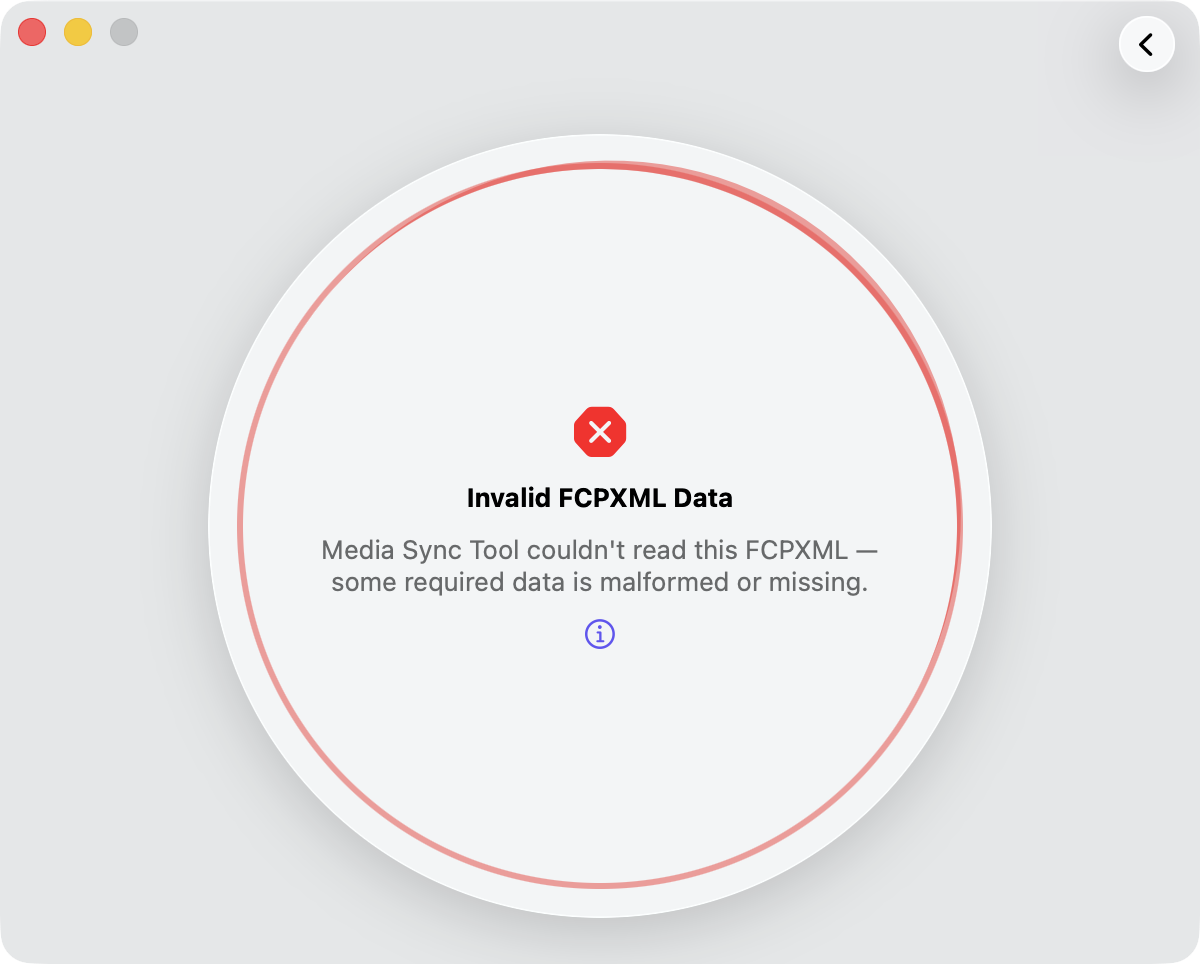
Invalid FCPXML Data
Media Sync Tool couldn’t read the FCPXML because the data it needs is malformed or missing. This single error also covers a file Media Sync Tool couldn’t parse at all. The usual cause is a damaged Final Cut Pro library that holds broken links to some clips — often a side effect of an earlier library update.
When the file can’t be parsed at all, the technical detail may include an underlying message such as “The operation couldn’t be completed. (NSXMLParserErrorDomain error 111.)”, which means the FCPXML contains illegal characters.
Tip: Re-export the FCPXML from Final Cut Pro and try again. If it still fails, check the source library for broken or missing clips, then re-export.
Couldn’t Read the Dropped Media
This appears when you drag clips, an event, or a library from Final Cut Pro but Final Cut Pro doesn’t hand over any FCPXML data for the drop, so there’s nothing for Media Sync Tool to read.
Tip: Drop the media again, or export an FCPXML file from Final Cut Pro with File > Export XML and open that instead.