Sync errors
Very little can go wrong while Media Sync Tool assembles your synced and multicam clips—but when it does, the most common cause is missing timecode.
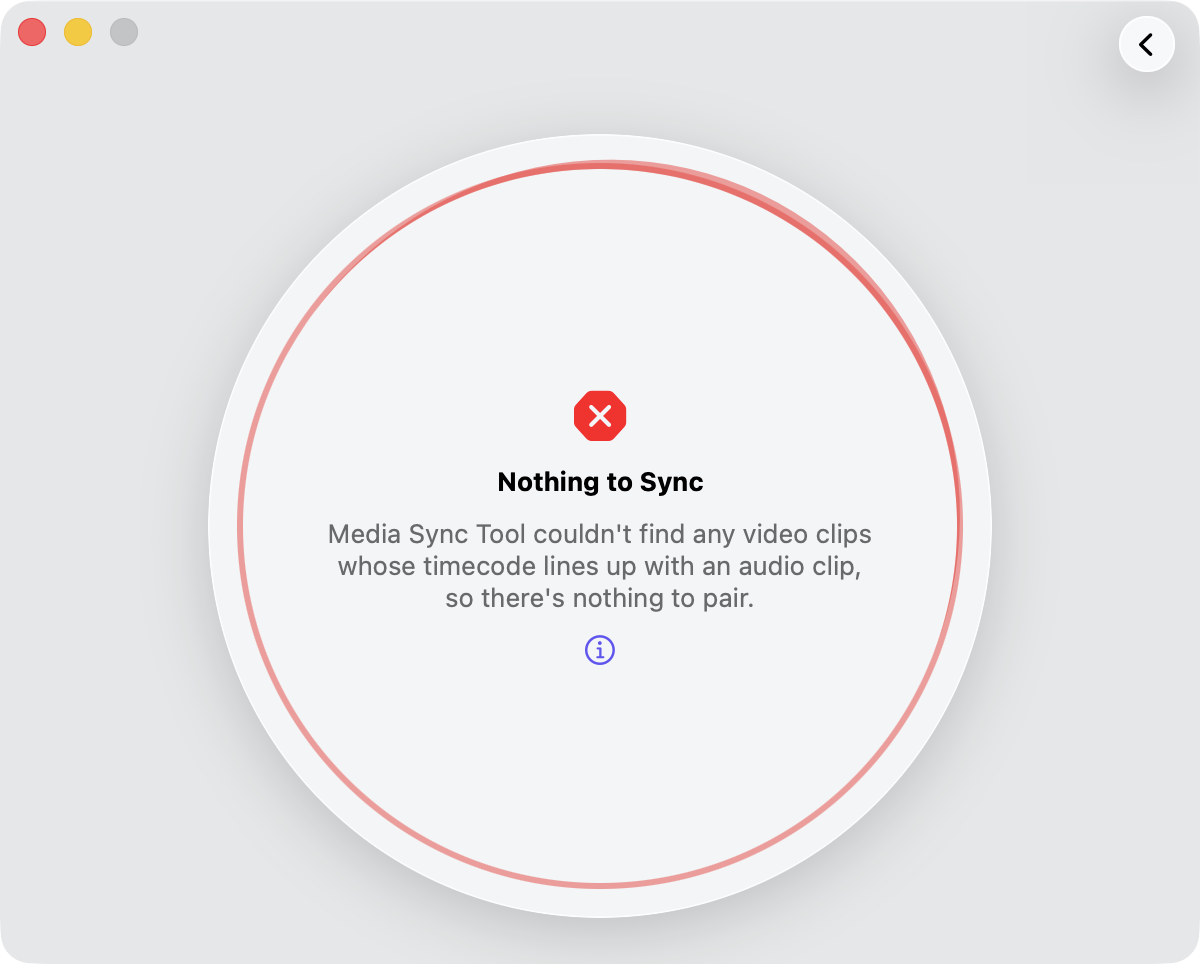
Nothing to sync
Media Sync Tool reports Nothing to Sync when a run produces no synced clips and has nothing to log—there was no work it could complete, so it stops with an error.
The usual cause is a lack of matching timecode. Media Sync Tool builds each Synchronized or Multicam clip from a timecode pair—a camera video clip matched with the external audio clip (or another camera angle) that belongs with it. When no clip’s timecode lines up with any other, it finds no pairs to assemble.
This almost always means the syncing media has no timecode to match on. Confirm that both your camera clips and your external audio carry a timecode track, then export a fresh FCPXML and run the sync again.
Note: If you logged a continuity report and its rows matched some of your clips, a run that finds no pairs does not stop with this error. Media Sync Tool completes the run, logs those clips, and finishes with a Clips Logged, Not Synced warning instead—so your logging is never lost just because nothing could be synced. Nothing to Sync appears only when there was also nothing to log. See clips logged but nothing synced for more on that warning.
Note: A sync can also finish normally but produce fewer clips than you expected, without reporting an error. If the result looks incomplete, open the synced event and check its Not Synced and No Timecode keyword collections (see when some clips don’t sync), and watch for timecode overlaps in Final Cut Pro caused by clips that share the same timecode range.