Media Sync Tool · for Final Cut Pro
Sync and log your dailies.
Automatically.
Pairs every camera clip to external sound by jam-synced timecode. Reads your continuity notes and writes all the metadata onto every clip. The manual logging pass, gone.
1-week free trial • subscription or lifetime purchase
How it works
Three steps. One synced, logged, organized project.
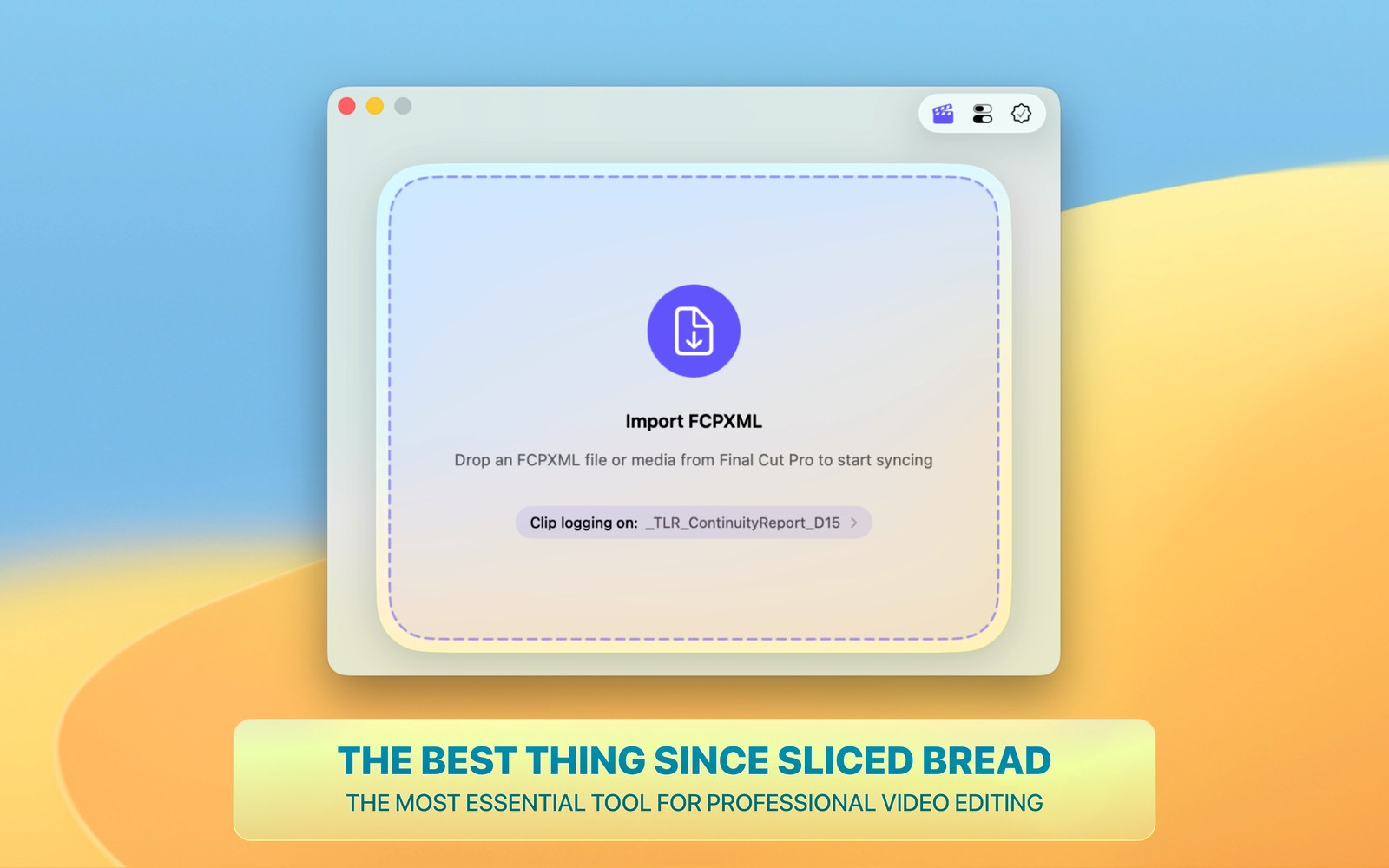
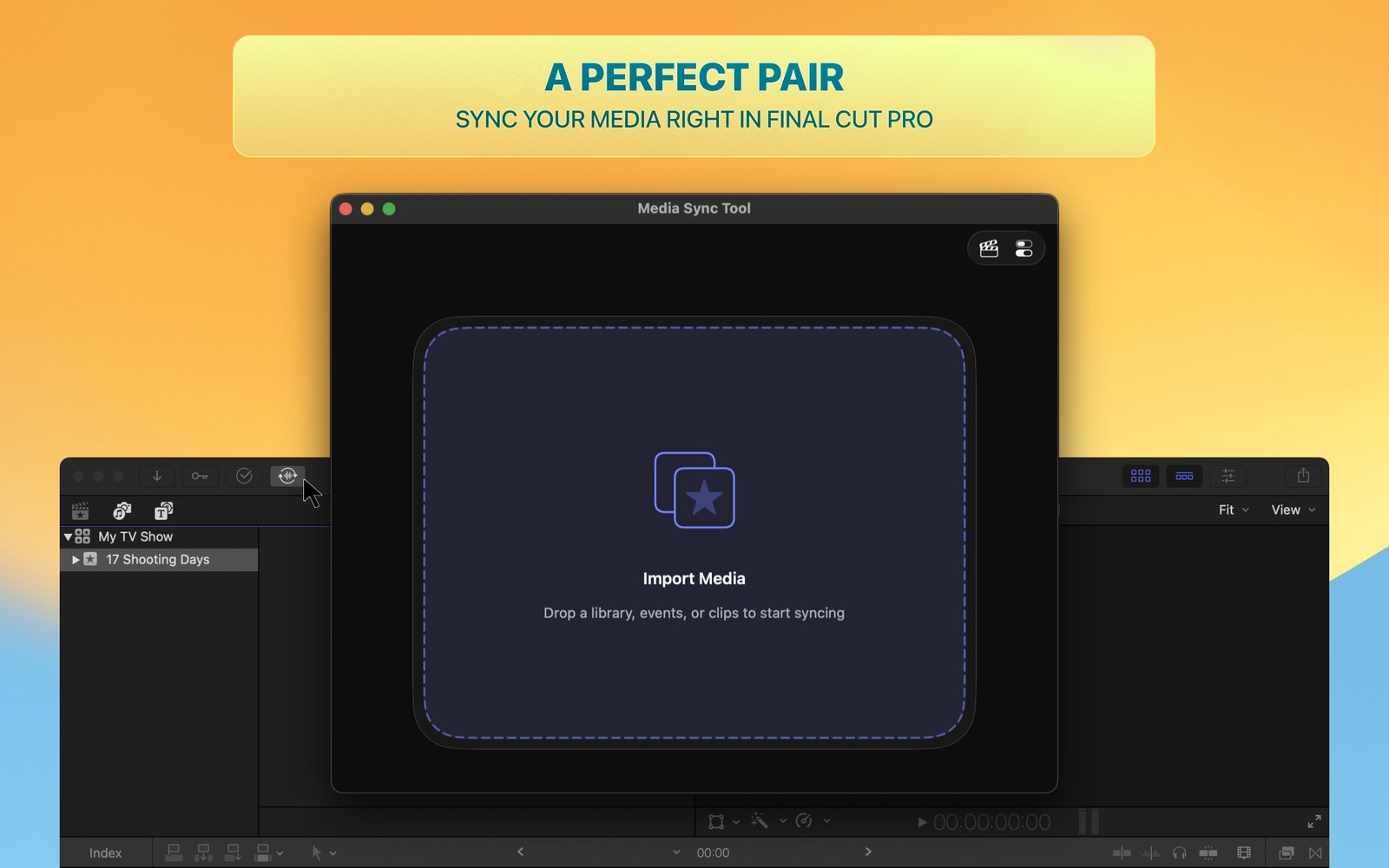
Drop in your media
Camera clips, externally recorded sound, and the script supervisor's continuity notes — as a CSV or even a PDF — a day or a whole season.
It pairs and logs the clips
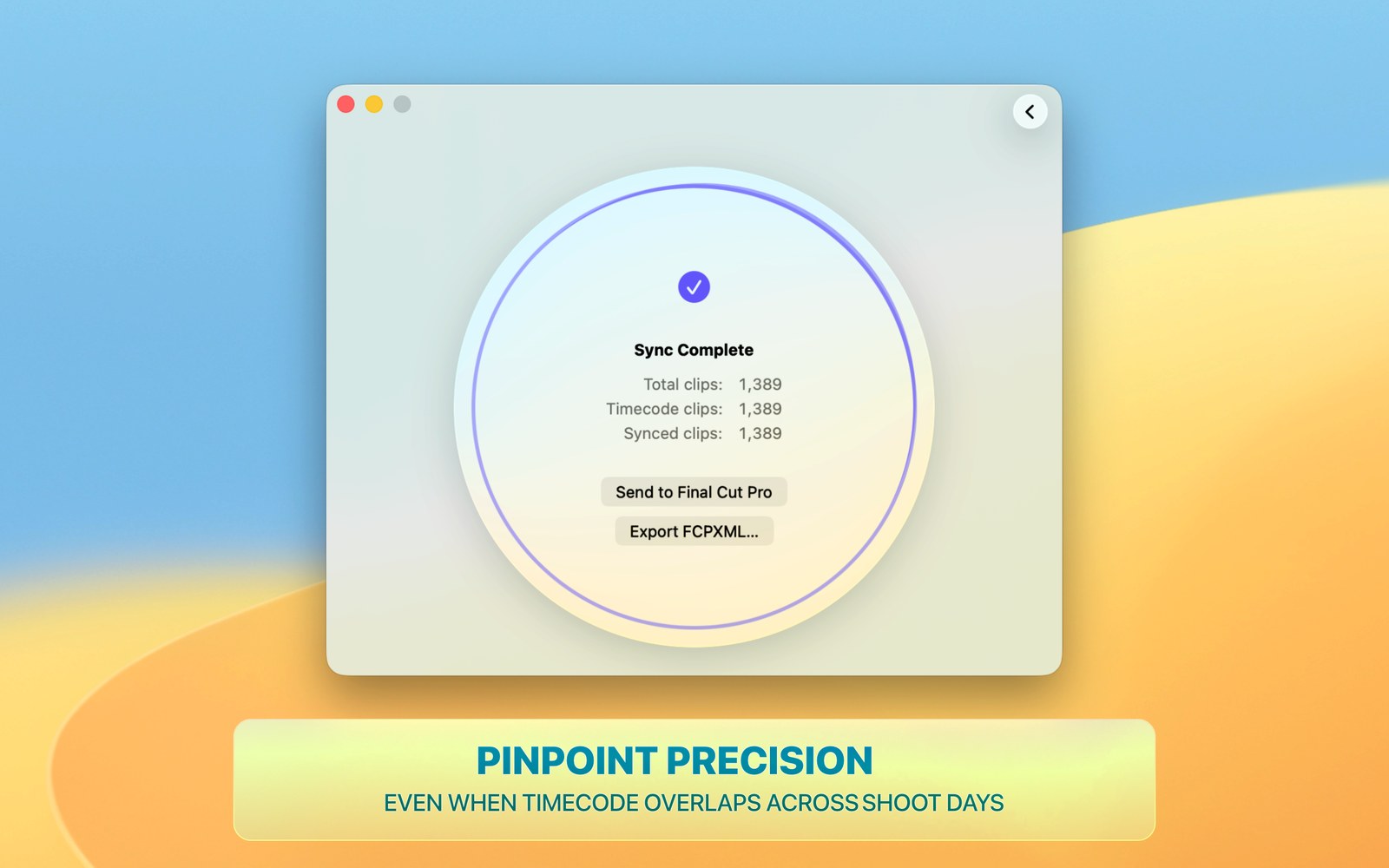
Timecode marries every clip to its sound with surgical precision, assembles multicams, resolves overlapping timecode, and logs each clip.
You start cutting
Dailies land synced, logged, rated, renamed, and sorted into meaningful keyword collections — ready to edit, nothing left to clean up.
Stop logging dailies by hand
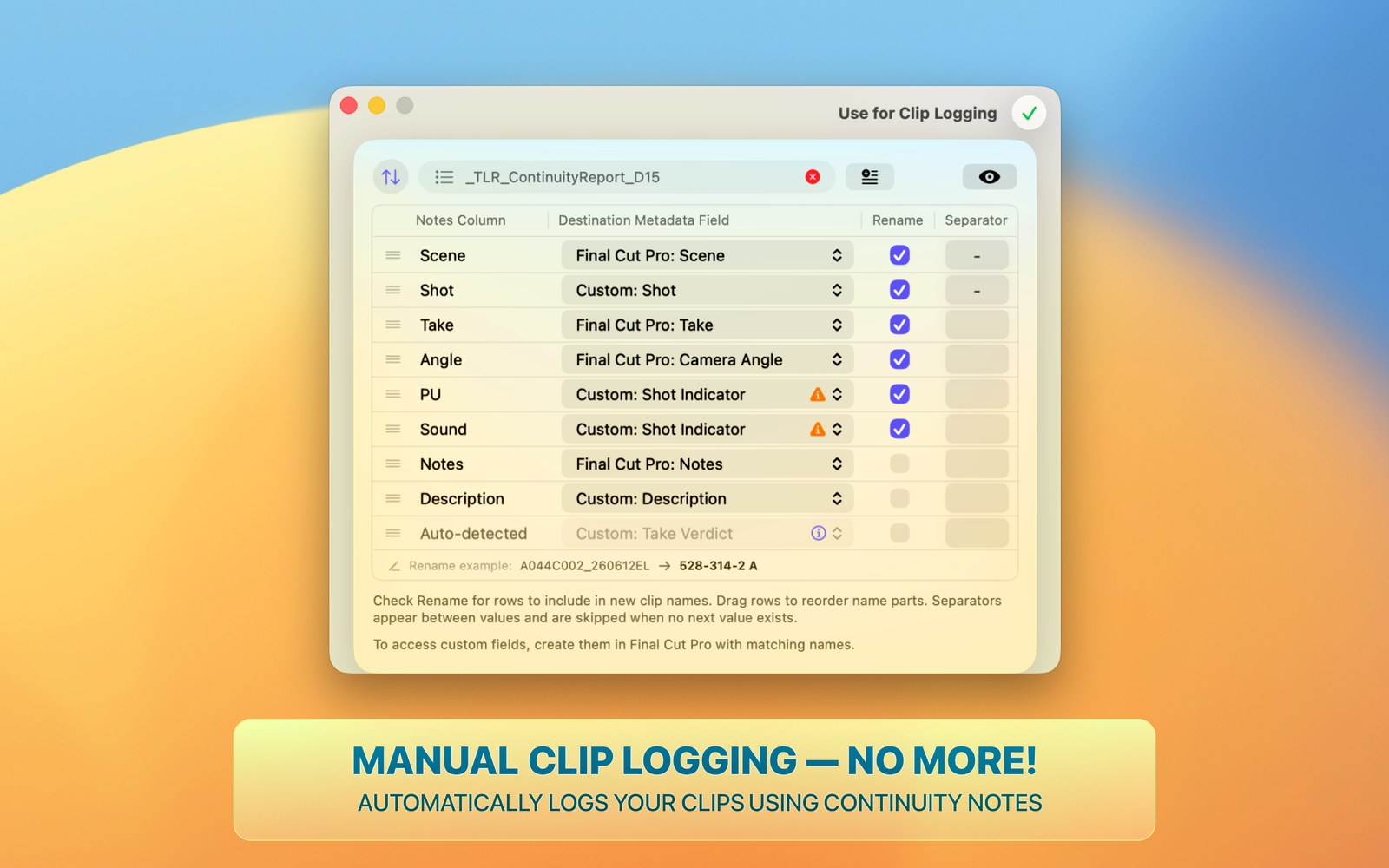
Drop in continuity notes.
Get back fully logged dailies.
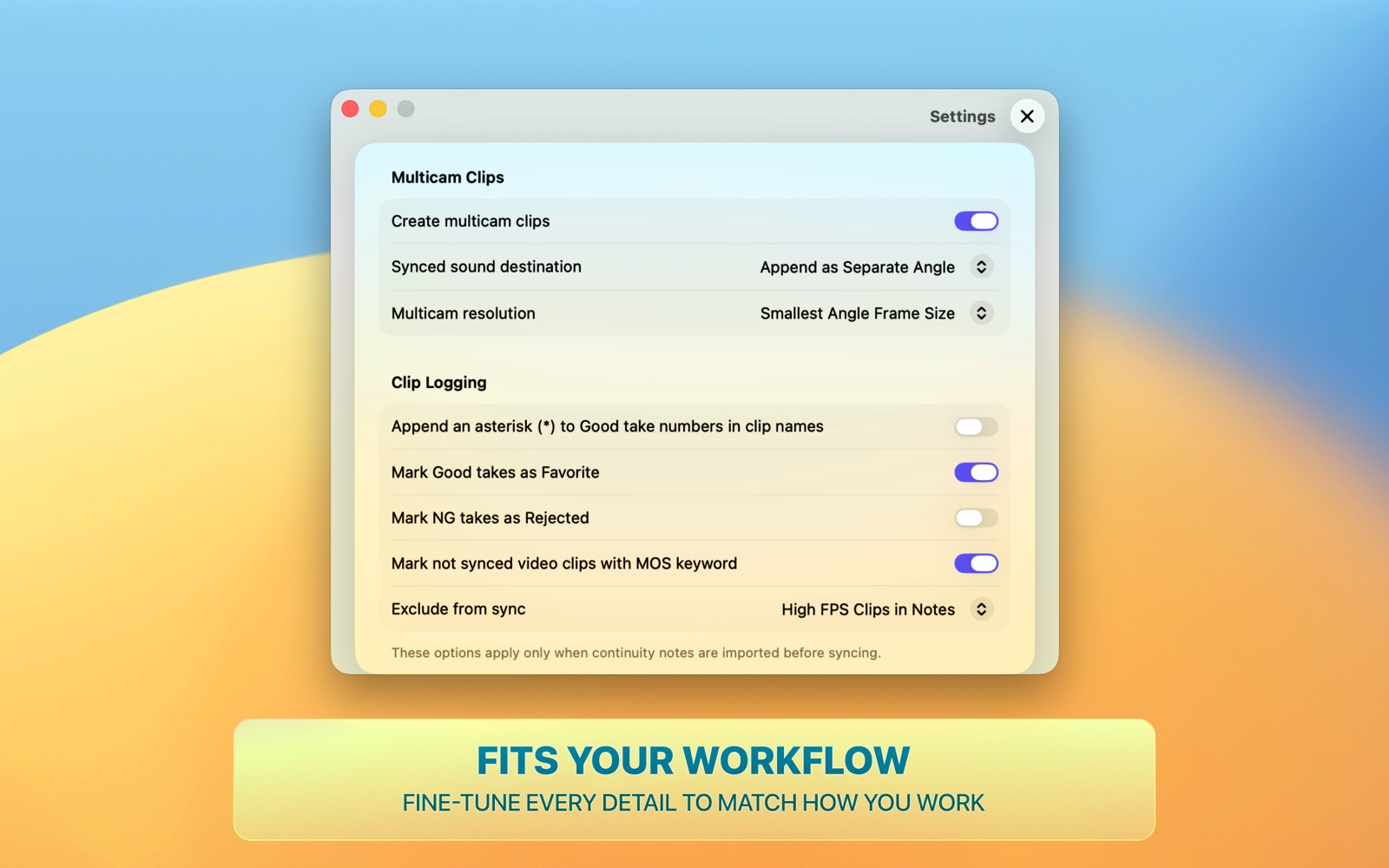
Have continuity notes? As it syncs, the app writes scene, shot, take, and any other metadata onto every clip, flags good and NG takes, and renames each clip to your pattern.
The logging pass that used to eat your hours is simply done.
- Take metadata — on every clip, straight from the report.
- Good/NG takes — the director's verdict, applied.
- Custom naming — every clip, your naming convention.
- PDF reports — convert continuity PDF to a logging-ready CSV.
Why editors switch
Most tools stop at simple sync
Matching audio to video is the easy part. The hours hide in the logging — and in the clips that pair wrong when timecode repeats across shoot days.
A closer look
See Media Sync Tool in action
On the Mac App Store
Try it free for a week.
On your own dailies!
See what it does to your own dailies — free for a week. Then subscribe monthly or yearly, or buy it once for life. It is that simple.
- 1-week free trial, no commitment
- Subscription or one-time lifetime purchase
- Standalone app and Final Cut Pro extension
Made by an editor
Built by a working post professional
Media Sync Tool, developed by a seasoned film & TV post-production professional, originates from real shows.
Every job meant the same lost hours: syncing sound to picture, then re-typing the script supervisor's notes onto clip after clip. No tool did it the way an editor needs — so it was built.
It speaks your language because it comes from the same workflows.
Get in touch